
What Minnesota State Patrol Arrests Cover
The Minnesota State Patrol serves as the state's main traffic-enforcement arm. It sits inside the Department of Public Safety. Eleven districts cover the metro, central, southern, and northern regions. Troopers arrest people at traffic stops, during impaired-driving details, while serving warrants, and through investigations. MSP stays the arresting agency even when a county jail does the booking. The current formal name matters too. It's Minnesota State Patrol, not Minnesota Highway Patrol. Older records may still say the latter. When a press release skips the booking location, other details help route a request. District, highway, county, time, and incident number all point toward the right office.
One arrest can leave records in several offices. There's the trooper's incident or arrest report. Camera footage, the county booking sheet, a jail custody row, and later court filings may follow. Posting times differ across systems. Each record answers a different piece of the event.
Where Minnesota State Patrol Arrest News Appears
Start with the Minnesota DPS News Releases page, the official statewide newsroom where State Patrol announcements appear. It covers selected impaired-driving arrests, pursuits, enforcement efforts, crashes, and investigations. It's a newsroom, though, not a daily arrest list.
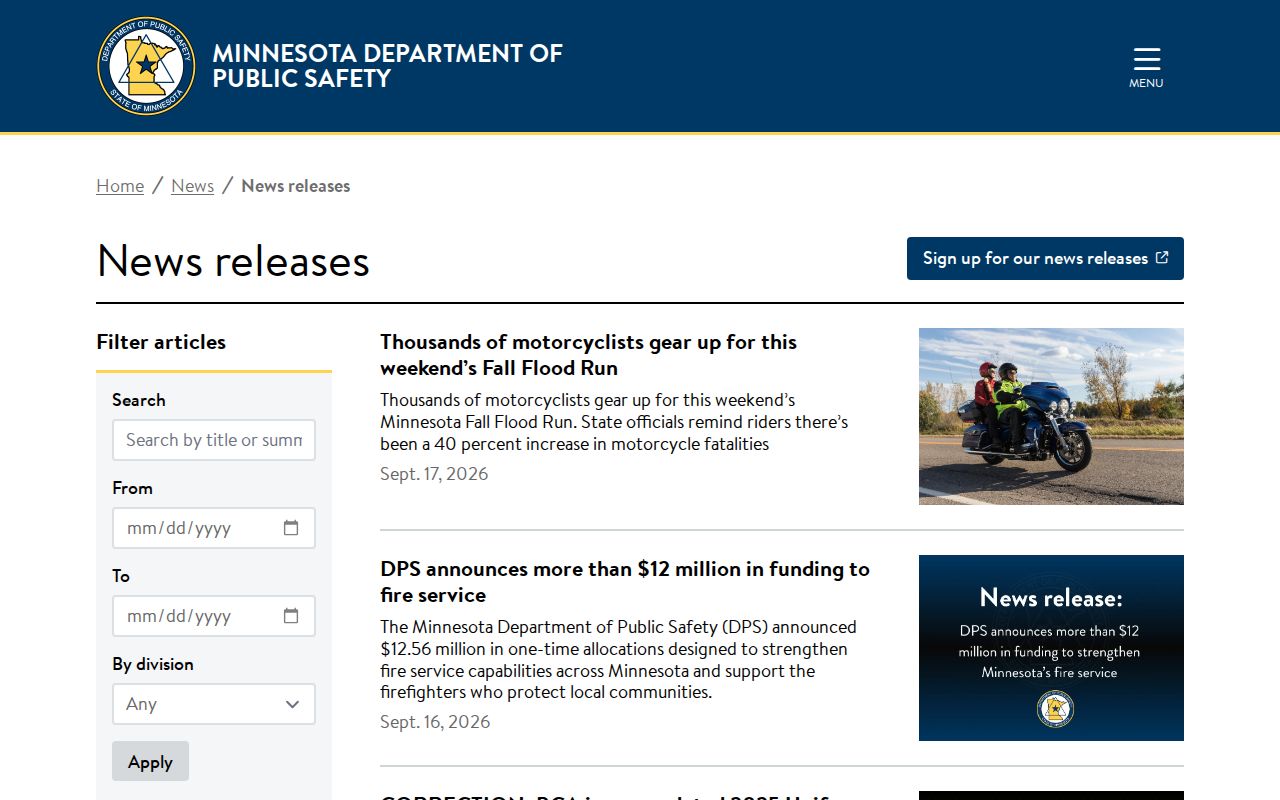
Read each release for its date, district, and event details. The page is selective, not a booking feed.
| Official channel | What it can show | Limit |
|---|---|---|
| DPS News Releases | Selected arrests, enforcement efforts, crashes, and investigations | Event-driven; not a full booking list |
| MSP Crash Updates and incident search | Current and historical serious or fatal crashes where MSP is primary; search by case number or involved person’s last name | Crash-focused, can lag, and is not an arrest roster |
| State Patrol Enforcement Dashboard | Aggregate enforcement counts, including arrest categories | Counts do not name people or show booking details |
| Official MSP social updates | Operational snapshots and public-safety messages | Posts can change and are not a complete record archive |
| MSP Records Request Center | Specific reports, incident files, and other maintained records | Request, review, fees, and disclosure depend on the record |
Note: Dashboard totals group activity by category and cannot confirm whether a named person was arrested.
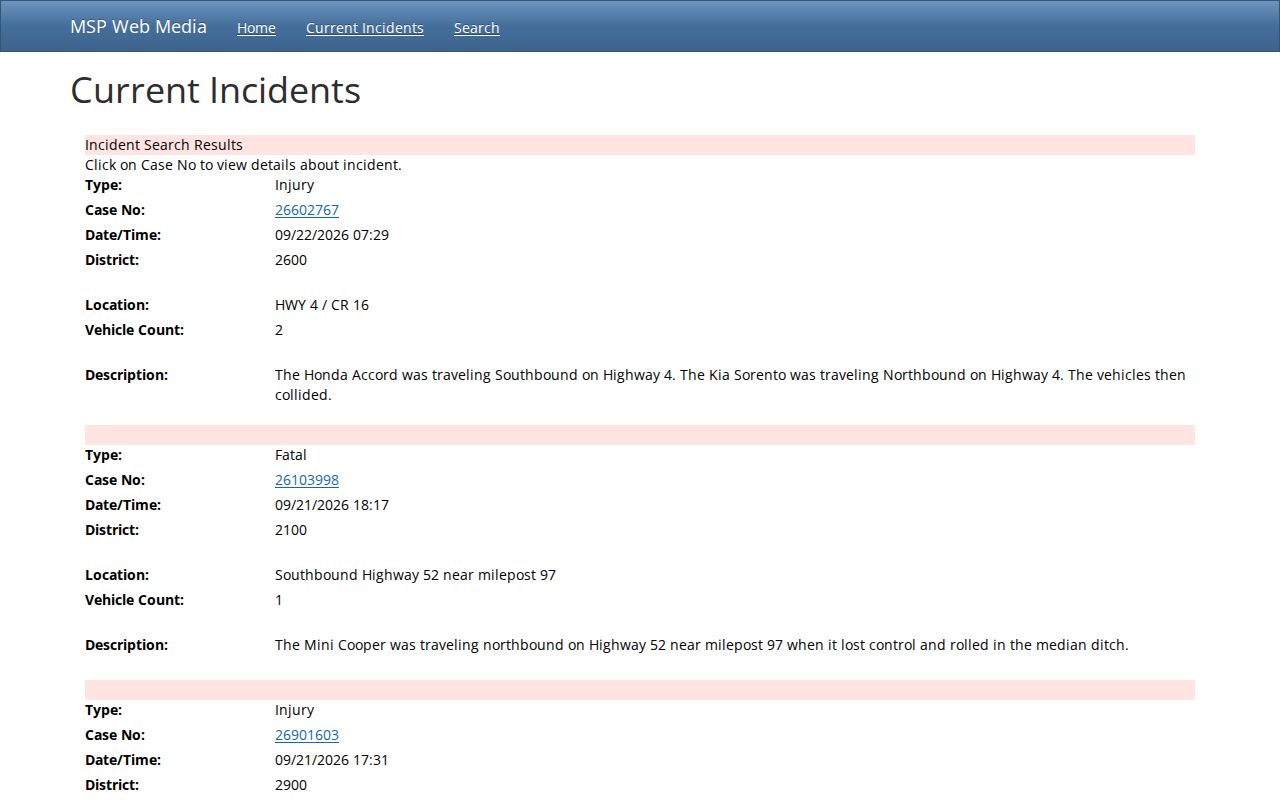
MSP Crash Updates track serious and fatal crashes where the State Patrol leads the response. A live incident page and search tool supply selected details. Still, an arrest from a traffic event may not surface there. Treat it as context, not a roster substitute. The search takes a case number or an involved person's last name. A match links the person to the incident, not necessarily to an arrest. Heavy call volume can delay what the public sees. To learn whether someone actually entered jail custody, compare incident details with the county roster. Or call the receiving facility directly.
Note: An incident search result identifies a crash record; it does not by itself establish arrest or jail intake.
The MSP current incident interface displays the live incident view.
MSP's Enforcement Dashboard breaks activity into categories: impaired-driving, warrant, drug, and other arrests. Those are aggregate counts. No names, booking dates, or outcomes appear. The Traffic Safety Snapshot Dashboard adds year-to-date DWI, citation, and warning figures. Use the screen to follow eligible incidents, then check the county jail for a custody record tied to an arrest. The MSP Enforcement Dashboard presents these aggregate categories.
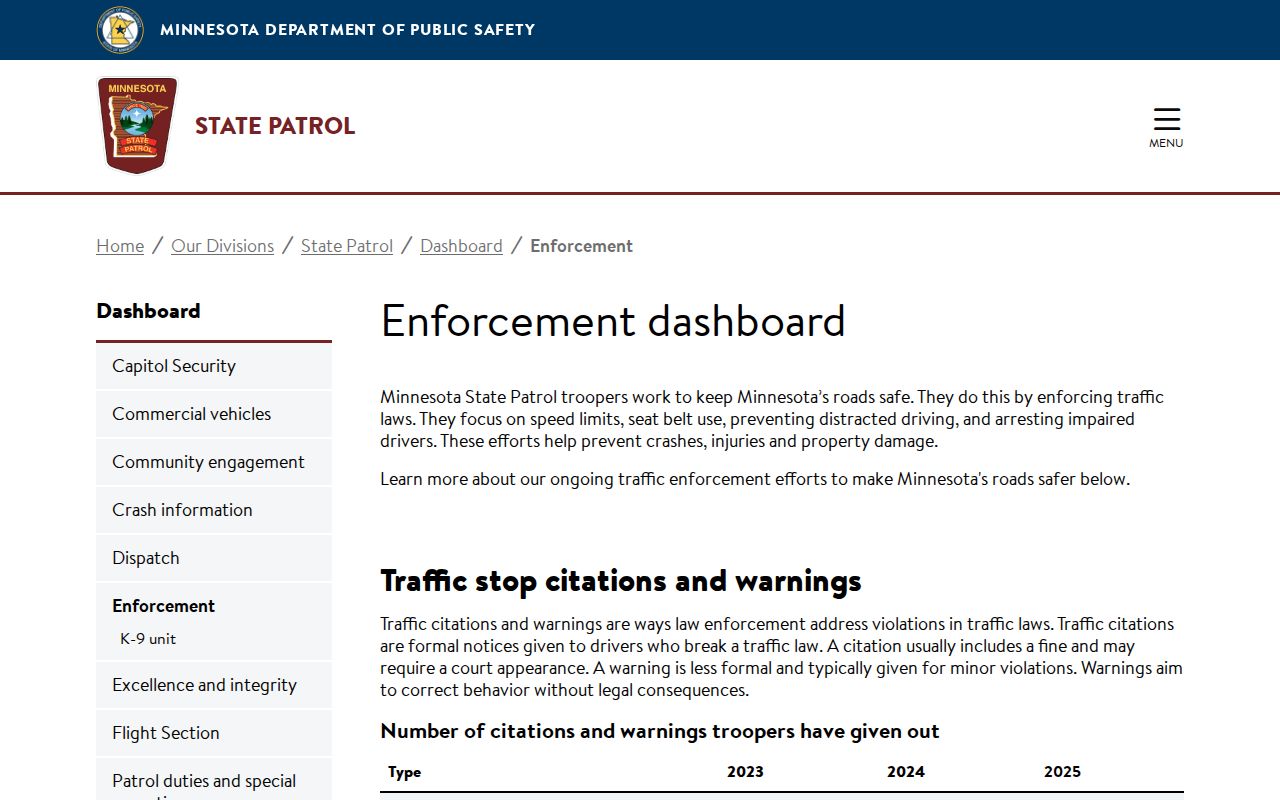
Dashboard totals show statewide activity. They can't confirm a named person's arrest or booking. Among social channels, DPS material points to the Minnesota State Patrol Instagram account. Posts may announce an operation but can be edited, removed, or thin on detail. The agency publishes no statewide daily arrest or booking log. No public DUI-photo feed exists. A release might confirm an arrest. It can still omit the booking image, final charge, or intake details. When a release offers a State Patrol case number, use it. Repeat that identifier in any records request. Staff can then tell apart a traffic event, an arrest report, and a county booking record that share a date but live in different systems.
How to Find a Minnesota State Patrol Arrest
For a named person or recent booking, start with the public announcement. Then work toward the place of custody. A release may name the county or road but not the jail. The trooper's report confirms the event. The jail record shows whether the person was booked and stays in custody.
- Search the DPS News Releases page using the date, county, road, or event description.
- For a serious or fatal crash, check MSP Crash Updates by case number or involved person’s last name.
- Identify the likely booking county from the event place and the receiving facility.
- Open that county’s jail roster or recent-booking view through the Minnesota County Directory.
- If no current row appears, ask the jail or MSP for the specific record using the date, location, name, and report number.
When the release and the roster disagree, compare update times first. A citation and release can follow the first notice. So can a transfer or a county booking. The county roster shows who is in custody now. The court docket tracks the case after that. The Minnesota arrest hub sorts out how the statewide county feeds differ. It also contrasts them with other official systems.
Where Troopers Take an Arrested Person
Troopers do not run a county-style jail roster. MSP orders say an arrested person is booked into a suitable local jail. Booking elsewhere is rare. The receiving county depends on where the arrest happened, which county issued the warrant, local detention arrangements, and whether the person walks free instead of being held.
A county roster entry can name MSP as the arresting agency. That still does not make every State Patrol incident a county arrest. Destination unclear? Ask MSP who took custody. Or call the likely county jail with the date and place. For adults later under state supervision, the Minnesota DOC Public Viewer applies. That tool lists people under DOC jurisdiction. It will not show fresh county bookings.
How to Request an MSP Arrest Report
Start at the State Patrol's data-request page. It routes most requests to the Minnesota State Patrol Records Request Center. Name one thing. Ask for a specific arrest, incident, crash report, or photo rather than a broad batch. Give the date and rough time, the county or highway location, a name if known, the district, the State Patrol case number, and the exact record type. Want the booking sheet or a county-held photo? Contact the county that took custody. The MSP Records Request Center is the online portal the agency points to for most data requests.
Filing through the portal starts a review. It promises no fixed fee or completion date for every record type.
- Open the official State Patrol data-request page and choose the route for the record type.
- Describe the event with a specific date, place, district, and case number when available.
- For body-worn camera data, follow the special instruction requiring in-person government identification or a written notarized request.
- Ask for an estimate before copies or special handling proceed; the public instructions do not set one flat fee for all records.
- Review any response for redactions or a stated legal basis for withholding, and narrow the request if needed.
Minnesota Stat. § 13.03 sets the baseline for access. Inspection of public data is generally free. Copies may carry a charge at actual cost, within statutory limits. No universal flat fee or guaranteed turnaround exists for State Patrol records. An active investigation, a protected identity, or a juvenile restriction can delay, trim, or block a response. So can another legal limit. If a request is denied, ask which data classification covers the withheld part.
Note: Ask the request center for its current estimate because a universal fee and response deadline were not published.
Districts, Release Timing, and Follow-Up
The MSP district map covers 11 districts. It helps route a report when a highway event straddles a county line. Districts span the southeast, south and central, and southwest areas. They also cover the metro, west and central, northeast, and northern stretches of Minnesota. A district contact can pin down the right State Patrol case. The county still matters once someone is booked locally. News posts, incident systems, and county booking pages run on their own clocks. Press releases lag. A major event may draw one days later, not at the moment of arrest. A current crash interface can lag when volume spikes. County booking data runs on the jail's own cycle. So a gap in one channel proves nothing about another office's records. For a wider view, see the Minnesota Police Blotter guide. It compares county reports, selected State Patrol material, and editorial logs. Check each source's coverage dates and labels. Do not trust any one as a full chronology.
State Patrol Arrest Results and Enforcement Campaigns
The Minnesota State Patrol shares its enforcement work in several ways. News releases, dashboards, and safety campaigns each carry a piece of the picture. One release might cover a DWI arrest. Another may describe a pursuit or a post-crash investigation. These are chosen stories, not a full roster of every person arrested in Minnesota. Treat any single arrest as a lead. Then confirm custody with the county and case status with the court.
For the numbers side, turn to the annual Enforcement Dashboard. It groups reported activity by offense type. The Traffic Safety Snapshot adds year-to-date counts of DWI activity, citations, and warnings. Both help compare categories across statewide public-safety work. Neither gives a person-level list. Neither links straight to a booking sheet. Totals also shift as reporting periods advance, so match any trend to the year and measure shown on the live dashboard.
One event can appear in two places at once. A news release gives the agency's own narrative. A crash entry offers a specialized incident view. The county booking system records who is actually in custody. The overlap is not perfect. A driver in a fatal crash may never be arrested at the scene. A traffic arrest may never generate a crash entry. An incident report, a citation, or a mention of an investigation is not proof of an arrest on its own. Find the actual arrest or booking record first. Then check the court docket for what happened next.
Social media adds one more layer. The verified Minnesota State Patrol Instagram account posts road closures, safety messages, and selected enforcement events. Posts can be edited or deleted. Details from a public report may be missing. Save the post date and link if it matters. For anything riding on a charge or custody status, ask the agency for a maintained record instead.